
Remote Work Cybersecurity: Vancouver Business Protection
Wondering how to keep your home office secure while working remotely in Vancouver? Let’s dive into the essential cybersecurity measures that’ll protect your business data from the comfort of your own space – because your home workspace deserves the same protection as any corporate office!
Picture this: you’re sipping your morning coffee in your perfectly curated home office in Kitsilano, laptop humming away as you tackle another day of remote work. But here’s the thing – that cozy setup might be more vulnerable than you think! Just like how you’d never leave your front door wide open, your digital workspace needs the same level of protection.
The shift to remote work has been like renovating our entire approach to office security. What used to be contained within corporate walls is now scattered across countless home offices throughout Vancouver neighborhoods like West End and Richmond. It’s a beautiful thing, this flexibility, but it comes with its own set of challenges that every savvy homeowner-turned-remote-worker needs to tackle head-on.
Key Outtakes:
- Remote work cybersecurity requires the same vigilance as protecting your physical home
- Vancouver businesses are seeing increased cyber threats targeting home-based workers
- Simple security hygiene practices can prevent most cyber attacks on remote setups
- Professional cybersecurity roles are increasingly available as remote positions in Vancouver
- Home office security involves both digital protection and physical workspace considerations
Understanding the Remote Work Security Landscape
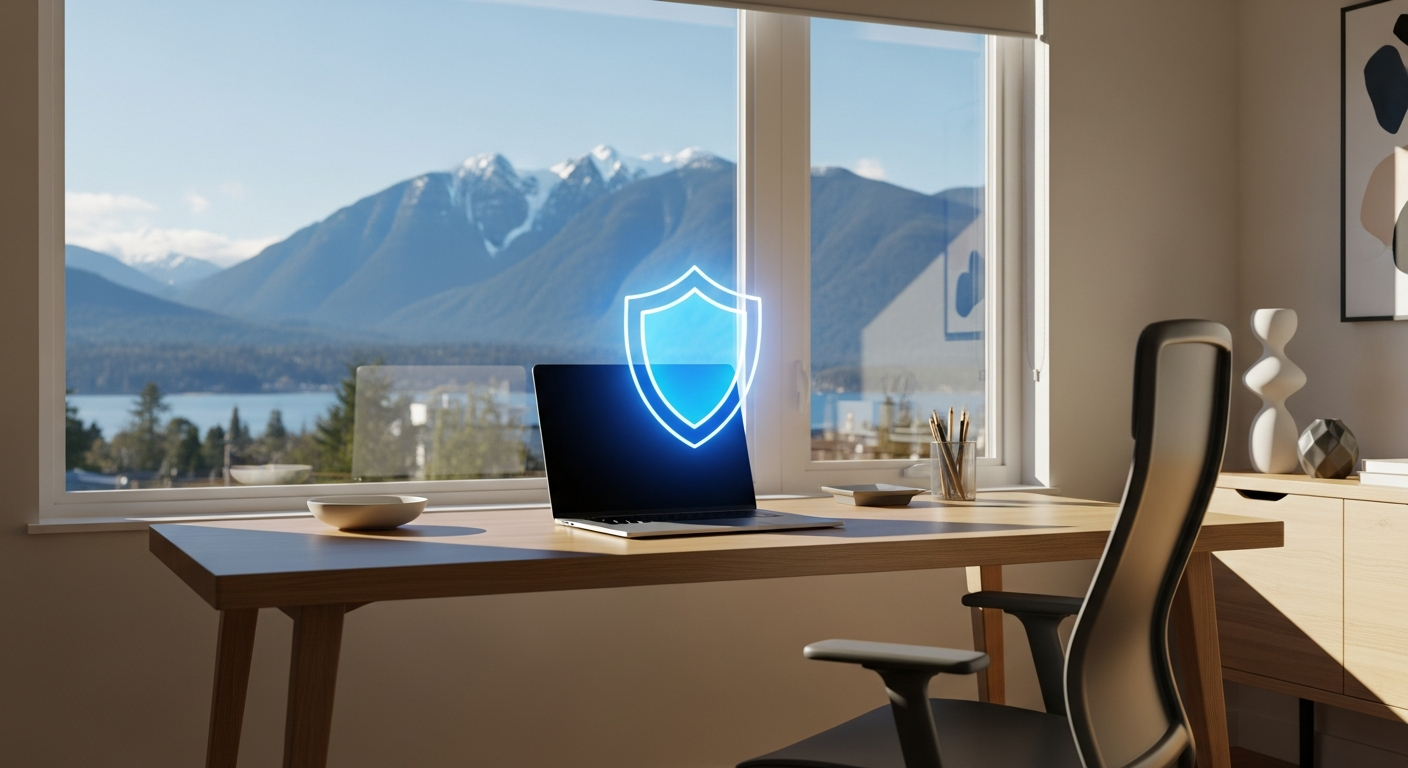
Think of remote work cybersecurity like installing a security system in your newly renovated basement office. You wouldn’t just throw in any old locks and call it a day, right? The same principle applies to your digital workspace. The Canadian Centre for Cyber Security has been pretty vocal about this – they’ve noticed that remote work environments create what they call “increased vulnerabilities to cyber espionage and theft of research.”
It’s kind of wild when you think about it. Your home office in Mount Pleasant or Yaletown might be handling the same sensitive data that used to be locked behind multiple layers of corporate security. According to cybersecurity experts, working remotely via unsecured networks can be like leaving your laptop on your front porch with a “please don’t steal” sign.
What makes this particularly interesting for us Vancouver folks is how the pandemic basically forced everyone to become their own IT department overnight. One day we’re complaining about the office coffee, the next we’re troubleshooting VPN connections and figuring out whether our home Wi-Fi can handle a full day of video calls without our neighbors accidentally joining our Zoom meetings.
Essential Security Measures for Home-Based Workers

Now that we’ve established why this matters, let’s talk about the nuts and bolts of keeping your home office as secure as Fort Knox. Just like how you’d research the best materials before starting a kitchen renovation, setting up proper cybersecurity requires some upfront planning and investment.
First up is what the experts call “good cyber hygiene” – and honestly, it’s a lot like maintaining your home. You wouldn’t let your gutters overflow or your smoke detector batteries die, so don’t let your software updates pile up either. Those little notification pop-ups asking you to update your system? They’re not suggestions – they’re like your home’s maintenance schedule, keeping everything running smoothly and securely.
Virtual Private Networks (VPNs) are basically the security cameras of the digital world. When you’re working from that cute coffee shop in Gastown or even just from your backyard deck, a VPN creates an encrypted tunnel for your data. It’s like having a private hallway between your home office and your company’s servers, so nobody can peek in and see what you’ve working on.
Password management is another area where people get a bit lazy – kind of like how we all know we should clean out our junk drawers but somehow never get around to it. Using the same password for everything is like using the same key for your house, car, and office. If someone gets hold of it, they’ve got access to everything. Password managers are like having a really organized keychain that generates unique keys for every door and remembers where you put them all.
Professional Cybersecurity Opportunities in Vancouver
Here’s where things get really exciting for anyone thinking about pivoting their career or diving deeper into the cybersecurity world. The demand for cybersecurity professionals has absolutely exploded, and Vancouver’s tech scene is no exception. It’s like being a contractor during a housing boom – everyone needs your skills!
Companies like Optum Insight are actively recruiting for remote cybersecurity positions that can be worked from anywhere in Canada (well, except Saskatchewan – go figure!). These aren’t your typical 9-to-5 desk jobs either. We’re talking about roles where you might be the primary point of contact for time-sensitive support calls that could literally affect patient care. It’s like being the emergency plumber of the digital world, except instead of fixing burst pipes, you’re troubleshooting enterprise-class hardware and Oracle databases.
The salary ranges are pretty attractive too. Entry-level positions start around $25 per hour and can go up to $52 hourly, while more senior roles like the Unified Communications Specialist positions at companies like Compugen can hit $80-90 per hour. That’s serious renovation budget money right there!
What’s particularly cool about these roles is the variety. One day you might be managing Exchange servers and dealing with email security policies, the next you could be working with Microsoft Defender to block suspicious websites or IP addresses. It’s like being a digital handyperson – you need to know a bit about everything and be ready to troubleshoot whatever comes your way.
Skills That Matter in Today’s Market
If you’re thinking about making the jump into cybersecurity, the skills employers want read like a home improvement checklist. You need foundation knowledge in Windows operating systems and networking – that’s your basic structural knowledge. Then you build up specialized skills in areas like PowerShell scripting, Active Directory, and TCP/IP troubleshooting.
The healthcare industry connection is particularly strong in Vancouver’s cybersecurity market. Many positions require experience with medical imaging systems and radiology equipment – it’s a unique niche where technology meets healthcare, and the stakes are genuinely life-and-death serious.
Creating a Secure Home Office Environment
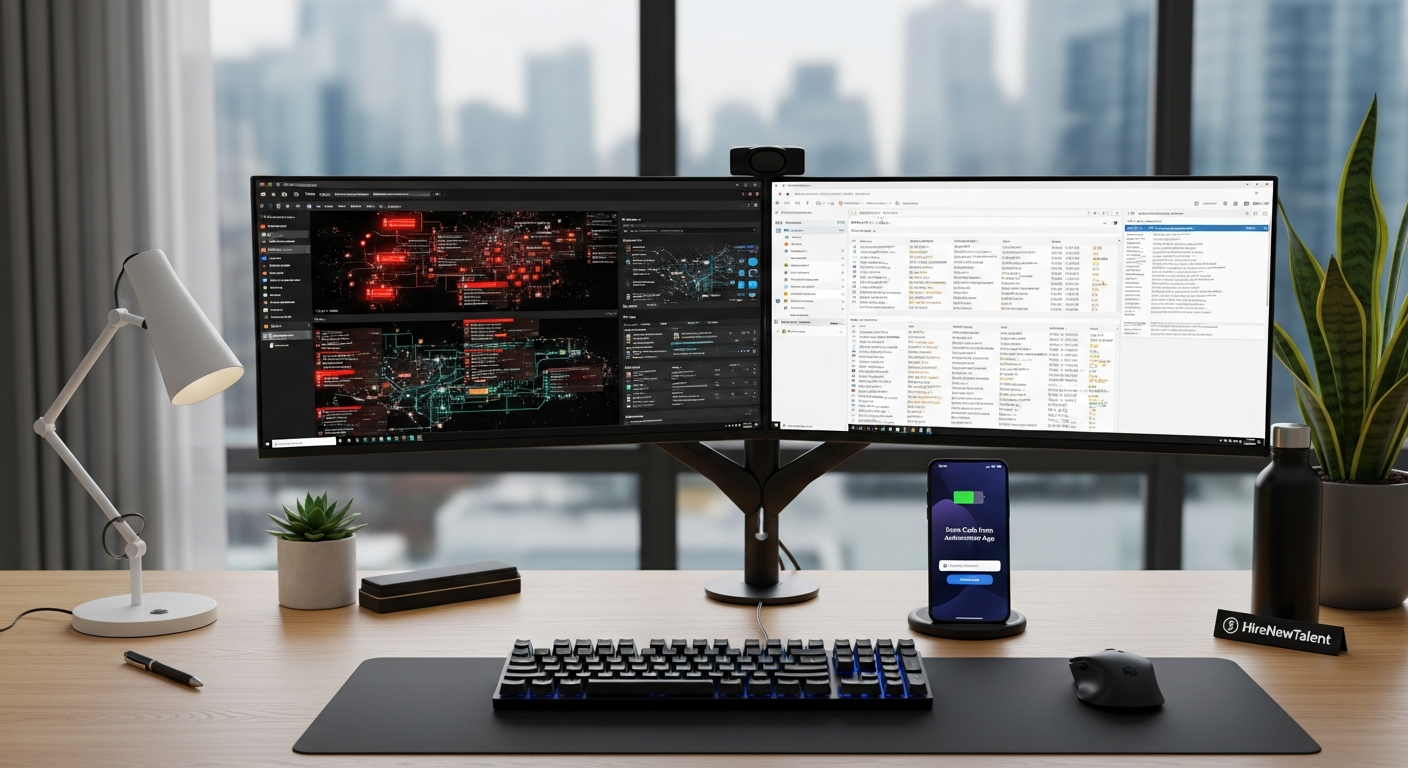
Building a secure home office is a lot like planning a major renovation – you need to think about both the obvious stuff and the details that might not occur to you until later. Your physical workspace security is just as important as your digital protections, especially when you’re dealing with sensitive business information.
Location matters more than you might think. That bright, Instagram-worthy spot by your big front window might not be ideal if neighbors or passersby can see your screen. It’s like choosing where to put your home safe – you want somewhere secure and private. Many Vancouver professionals working remotely have found success converting spare bedrooms or finishing basement spaces specifically for work, creating that crucial separation between personal and professional space.
Your internet setup deserves the same attention you’d give to your home’s electrical system. A quality router with proper security settings is your first line of defense. Change those default passwords (seriously, “admin/admin” isn’t cutting it), enable WPA3 encryption, and set up a separate guest network for visitors. It’s like having different keys for different areas of your house – you don’t give everyone access to every room.
Physical security measures might seem obvious, but they’re often overlooked. Locking your computer screen when you step away, securing important documents, and being mindful of what’s visible during video calls all matter. Industry professionals recommend treating your home office with the same security mindset you’d apply to any professional workspace.
Technology Stack for Remote Security
The tools you choose for your remote setup can make or break your security posture. Think of it like choosing appliances for a kitchen renovation – you want quality brands that’ll last and work well together. Endpoint protection software is non-negotiable; it’s like having smoke detectors throughout your house.
Multi-factor authentication should be enabled everywhere possible. Yes, it’s slightly annoying to grab your phone every time you log in, but it’s like having a deadbolt in addition to your regular door lock – that extra step stops most opportunistic attempts. Cloud storage solutions need careful consideration too. Services like OneDrive or Google Drive are convenient, but make sure you understand their security settings and compliance requirements for your industry.
Frequently Asked Questions
What are the most common cybersecurity threats for remote workers in Vancouver?
The biggest threats facing remote workers are pretty universal, but Vancouver’s tech-heavy economy makes us particularly attractive targets. Phishing emails designed to steal login credentials are probably the most common – they’re like digital door-to-door scammers, except way more sophisticated. Unsecured Wi-Fi networks, especially in coffee shops around neighborhoods like Commercial Drive or Main Street, pose significant risks too.
Ransomware attacks targeting home office setups have become increasingly common, essentially holding your data hostage until you pay up. It’s like someone breaking into your house and changing all the locks, then demanding payment for the new keys.
How much should I budget for home office cybersecurity measures?
Think of cybersecurity investment like home insurance – it seems expensive until you need it. For basic protection, you’re looking at around $100-300 annually for quality antivirus software, VPN services, and password management tools. If your work requires more advanced protection, enterprise-grade solutions might run $500-1000 yearly.
The ROI is pretty clear when you consider that the average data breach costs small businesses around $25,000 to recover from. It’s like spending money on a good foundation to prevent major structural problems later.
Are there specific regulations Vancouver businesses need to follow for remote work security?
Canadian privacy laws like PIPEDA apply regardless of where you’re working, so your home office needs to meet the same standards as any traditional workplace. If you’re in healthcare, finance, or other regulated industries, sector-specific requirements still apply even when working from your dining table.
The key is understanding that “working from home” doesn’t mean “working with relaxed security standards.” Your compliance obligations travel with you, just like your work responsibilities do.
Wrapping Up
Remote work cybersecurity isn’t just about protecting data – it’s about maintaining the trust and professionalism that lets us keep working from our perfectly curated home offices across Vancouver. Whether you’re troubleshooting from Burnaby or managing security protocols from your West End apartment, the principles remain the same: stay vigilant, invest in quality protection, and treat your digital workspace with the same care you’d give your physical home.
At HireNewTalent, we understand that modern home improvement extends far beyond traditional renovations. Your home office security setup is just as important as any other home system, and our network of trusted professionals can help you create a workspace that’s both productive and secure. From IT consultation to office space optimization, we’re here to help Vancouver homeowners build the perfect remote work environment.